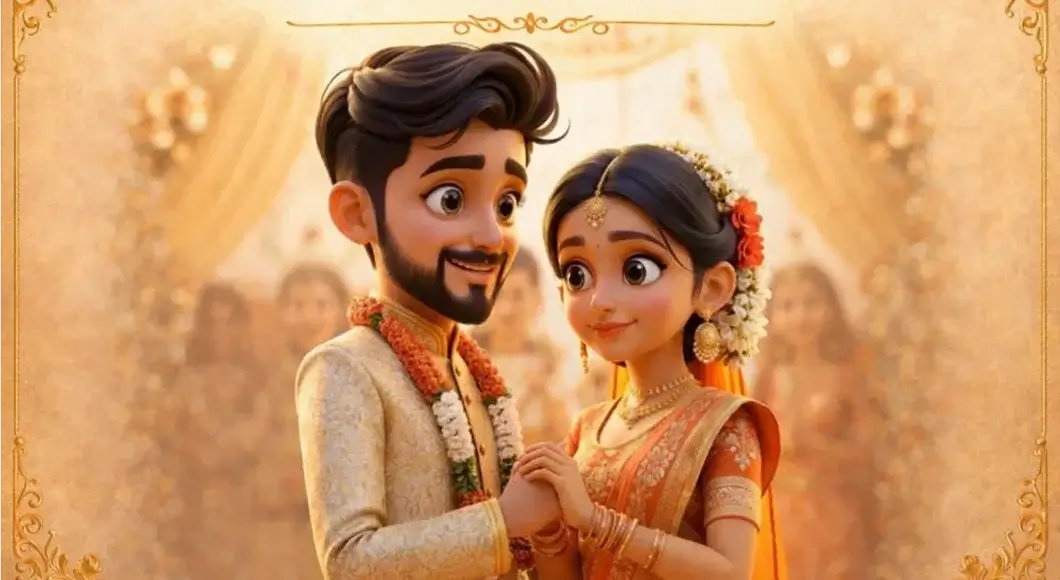

invitation maker
HomeFeaturesHow does it work?TemplatesPricingContact Us
Get the App
Get the App

AI Invitation Maker for Beautiful Event Invites

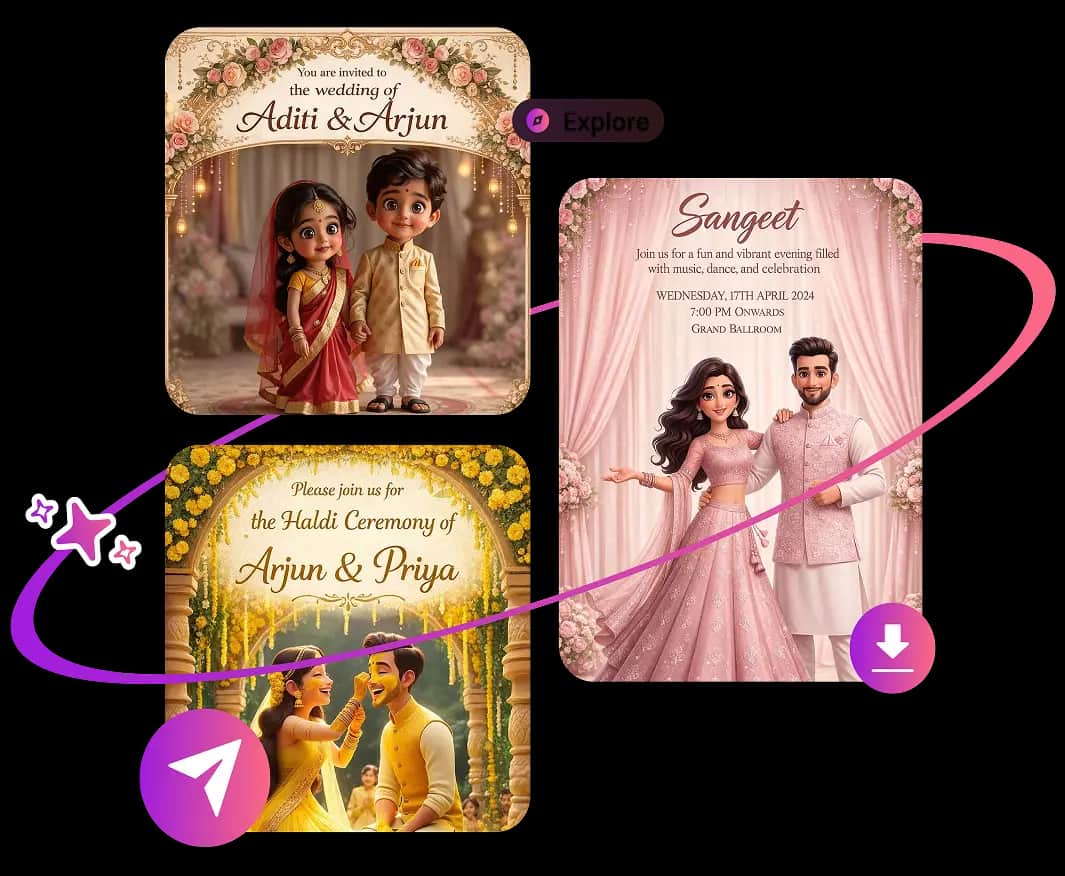
AI Invitation Maker helps you create wedding invitations, birthday invites, baby shower cards, party flyers, and business event invites in minutes. Add your details, choose a style, and generate polished digital invitation cards ready to download or share.
Create a Free AI InvitationSee How It Works
AI Invitation Maker app creating a modern digital event invitation

AI Invitation Maker Explained

What Is an AI Invitation Maker?

An AI Invitation Maker is an online invitation card generator that turns your event details and style choices into a complete, personalized invite. It uses artificial intelligence to arrange wording, typography, colors, imagery, and layout, helping anyone create professional digital invitations without design software or graphic design experience.

AI Invitation Maker Features and Benefits

Save time with smart invitation templates, personalized wording, coordinated designs, and high-quality downloads. Create a share-ready card without hiring a designer or starting from a blank canvas.

  • AI invitation card templates for weddings birthdays and parties
    AI Invitation Cards
  • AI greeting card maker for announcements and celebrations
    AI Greeting Cards

How to Create an AI Invitation in 6 Steps

Turn event details into a finished invitation card with a simple flow built for hosts, planners, families, and small teams.

Step 1

Choose the Occasion

Pick the event type so the AI invitation maker can match the tone and layout to the moment. Create designs for weddings, birthdays, anniversaries, baby showers, bridal showers, graduations, holiday parties, and corporate events.
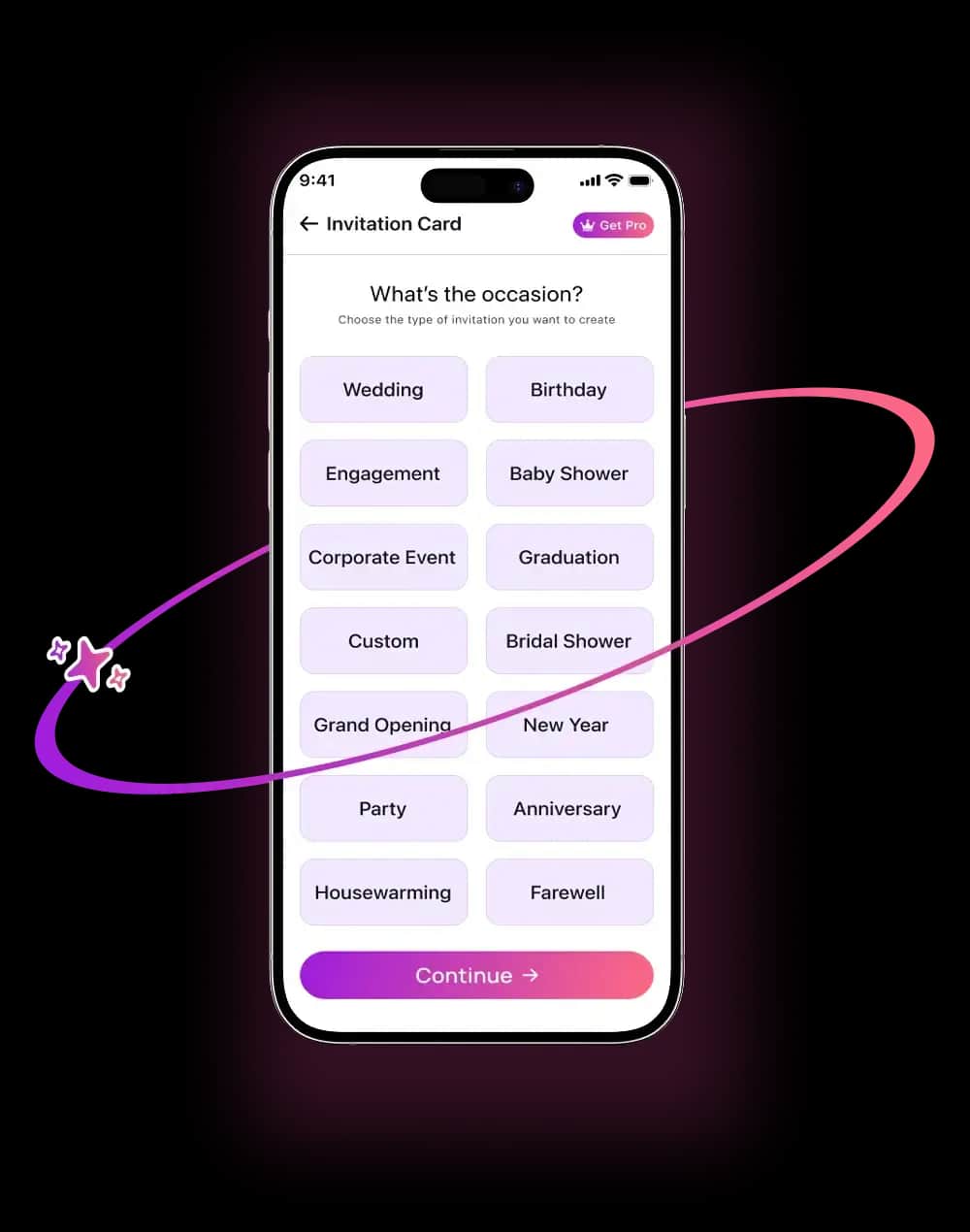
Choosing an event type in an AI Invitation Maker workflow
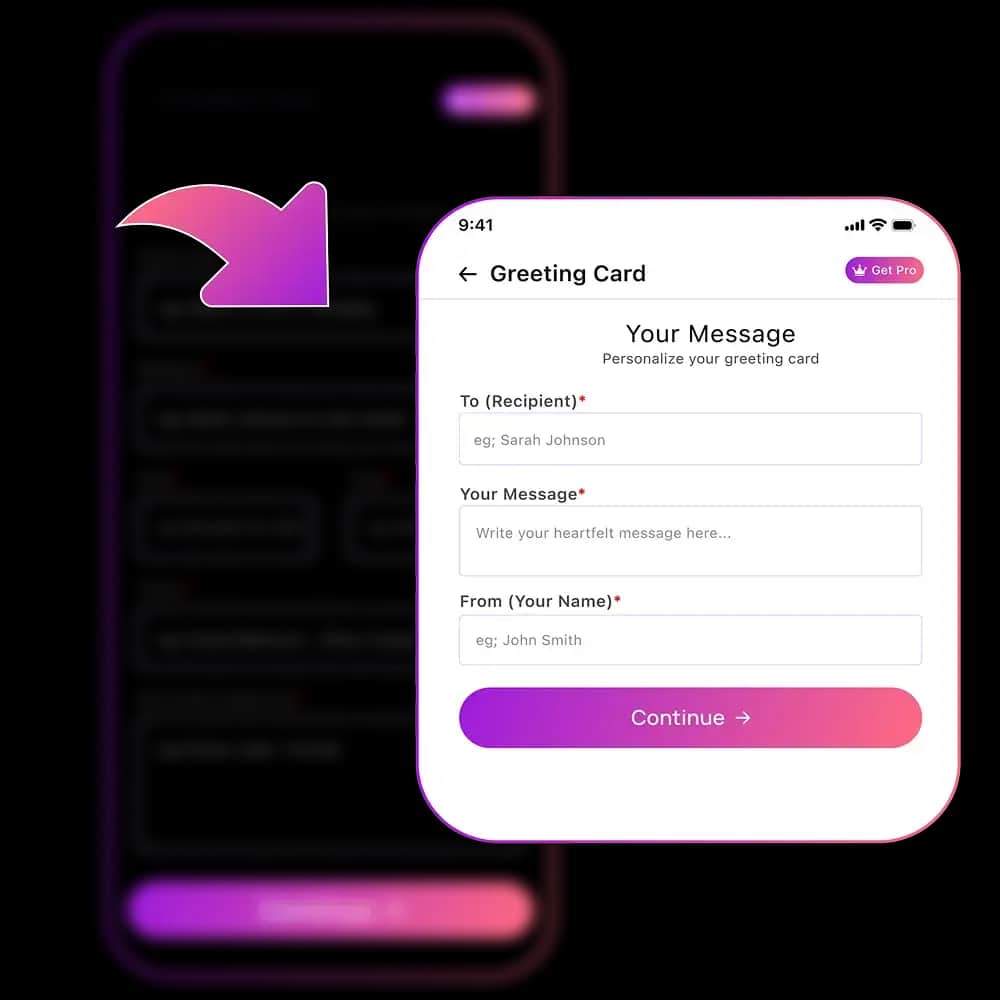
Adding event details to generate a custom digital invitation card
Step 2

Add Event Details

Enter names, date, time, location, dress code, host notes, and a short message. The app places the information into a balanced invitation card design so the final result feels clear and polished.

Step 3

Choose Your Style

Select a visual direction such as modern, elegant, floral, minimalist, classic, playful, or luxury. The AI invite generator adapts fonts, spacing, imagery, and composition to match your event theme.
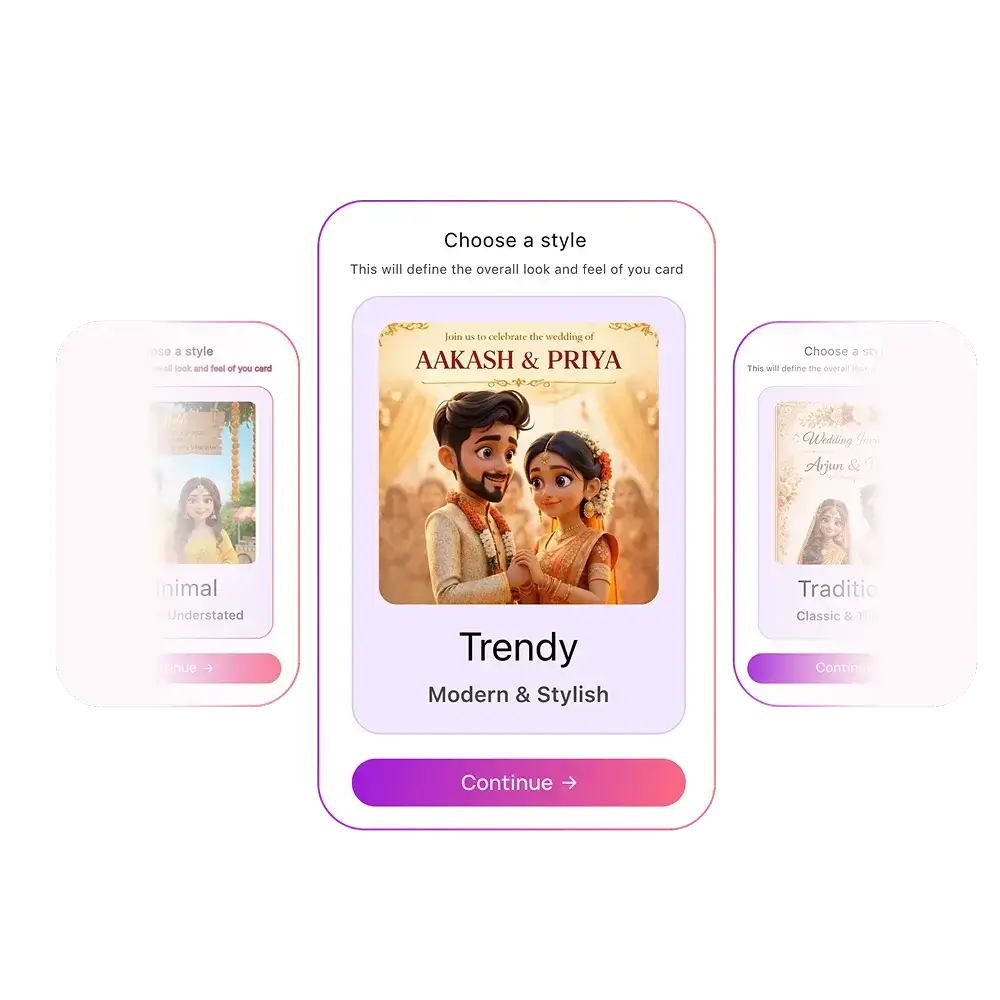
Choosing a design style for an AI generated invitation
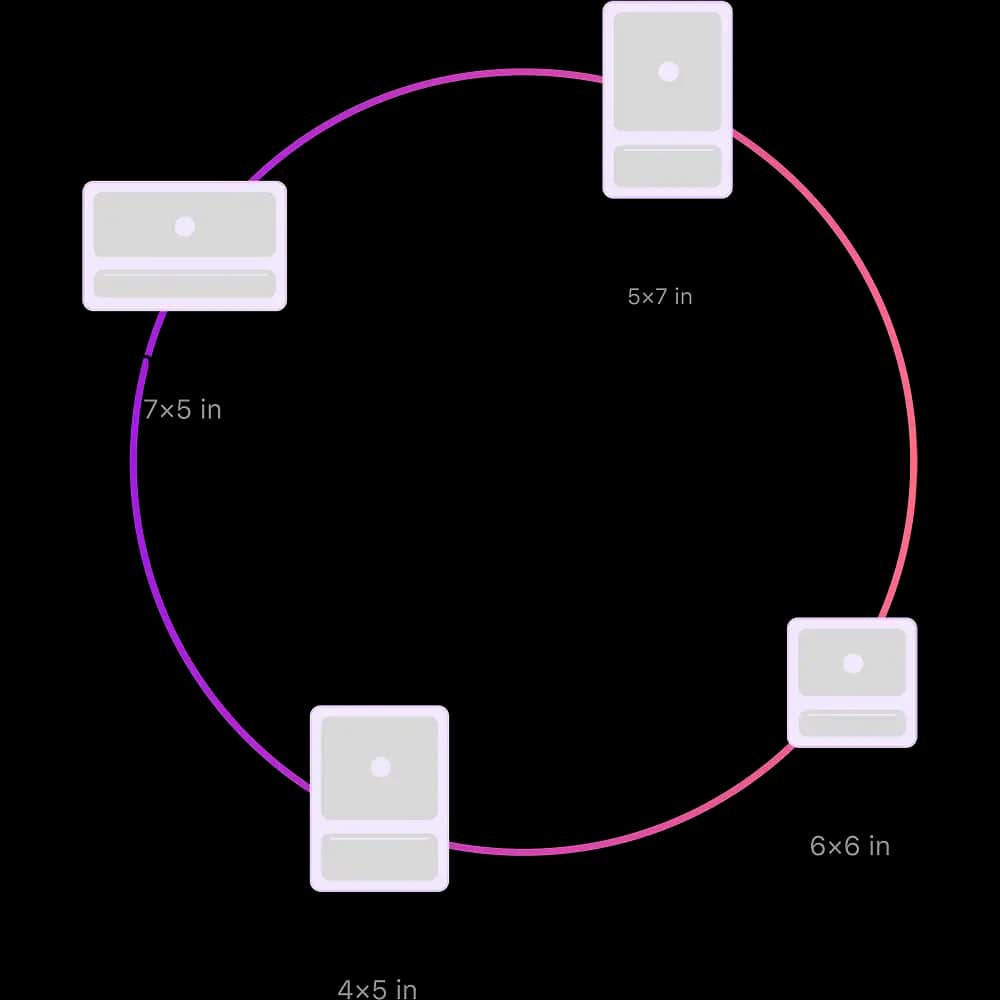
Selecting invitation card sizes for mobile sharing and printing
Step 4

Pick the Right Size

Create invitation cards in formats that look sharp on phones, social stories, messages, email, and printable layouts. Each size keeps the text readable and the design ready for the channel you plan to use.

Step 5

Preview and Download

Review the final invitation before sharing. Download a high-quality digital invite for messages, email, social media, or print so your guests receive a clean, professional design.
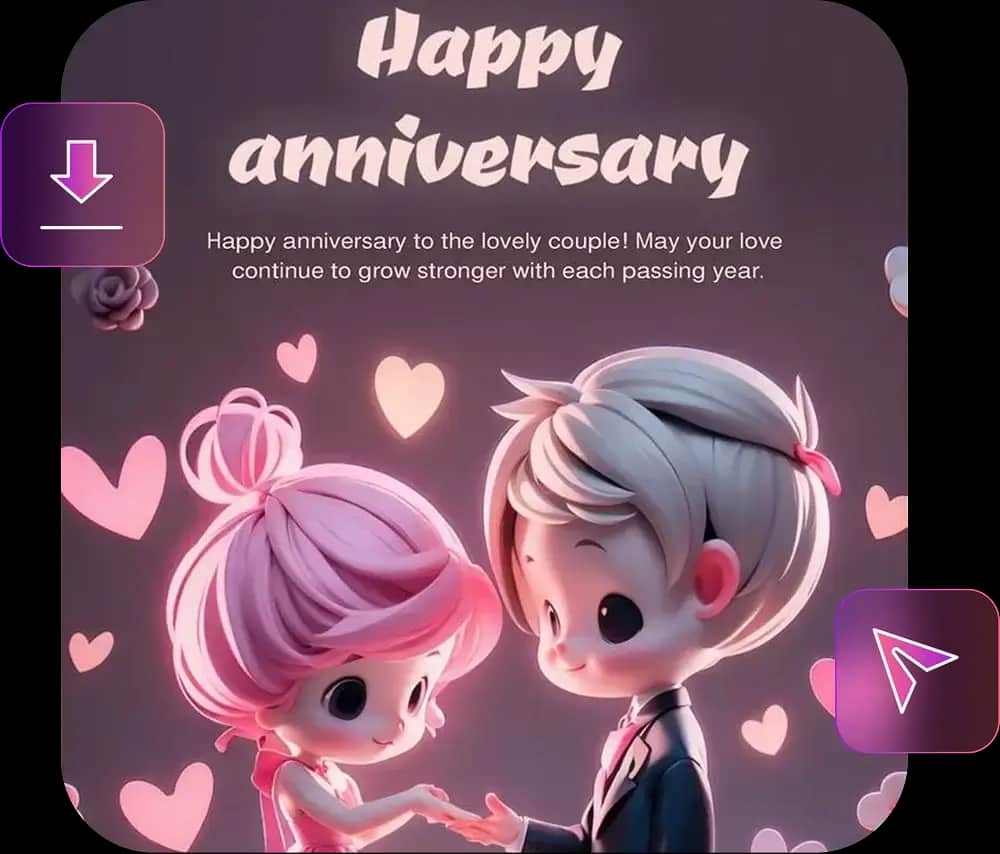
Previewing and downloading a finished AI invitation card
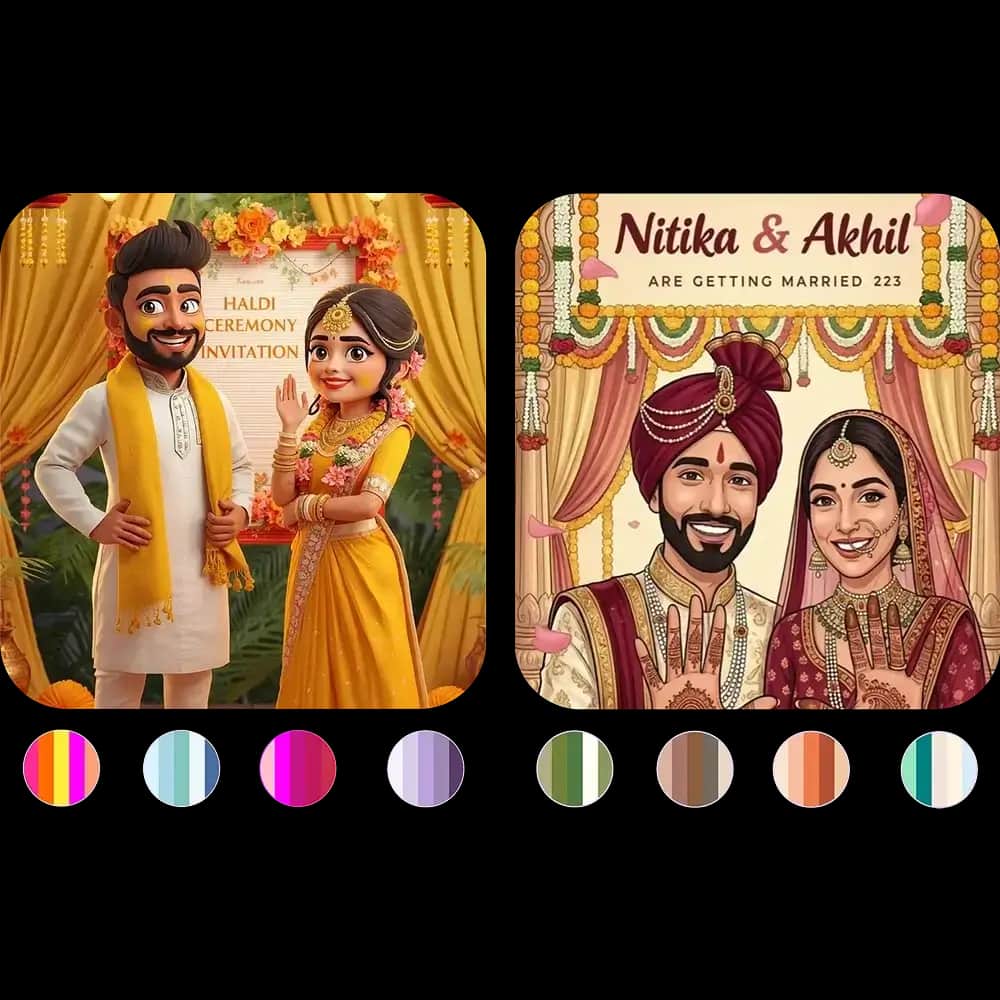
Refining color palettes for a personalized AI invitation design
Step 6

Refine the Color Palette

Choose soft pastels, bold accents, seasonal colors, elegant neutrals, or a custom palette. The AI invitation design tool keeps the layout cohesive while helping your card feel personal.

AI Invitation Design Ideas for Every Occasion

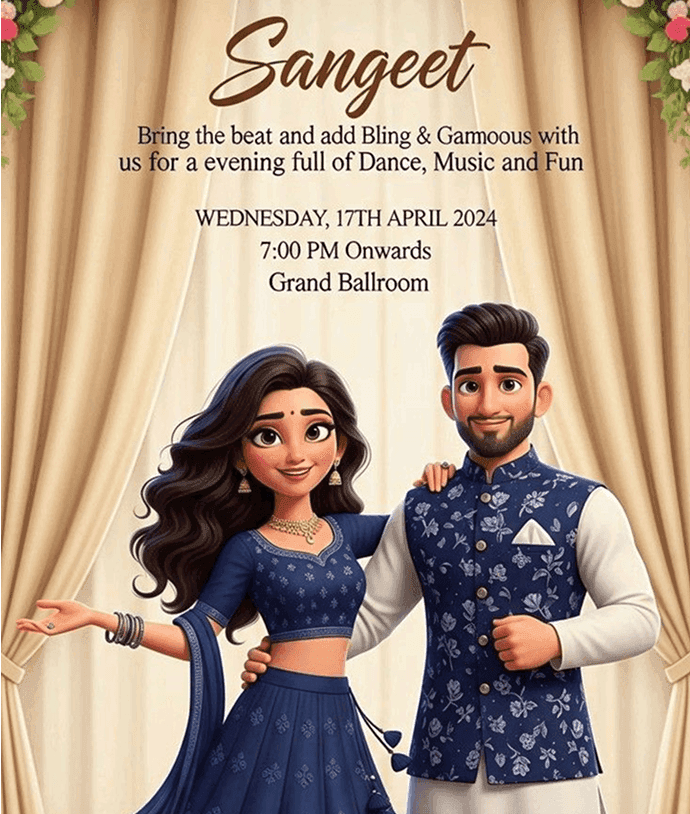
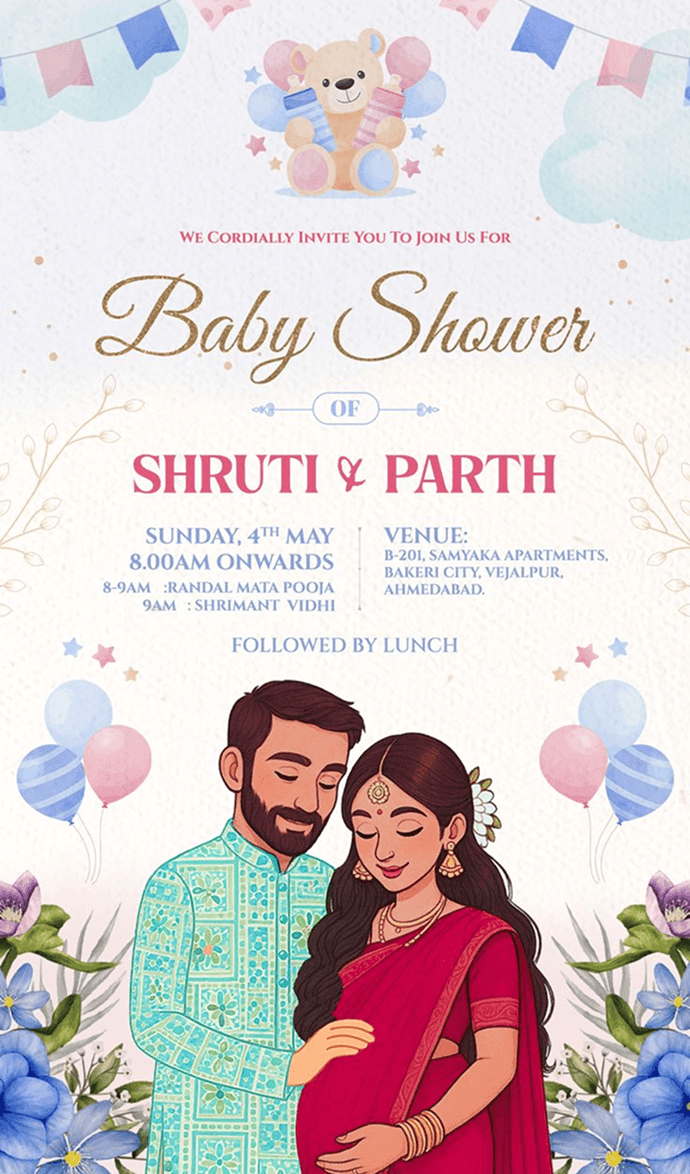
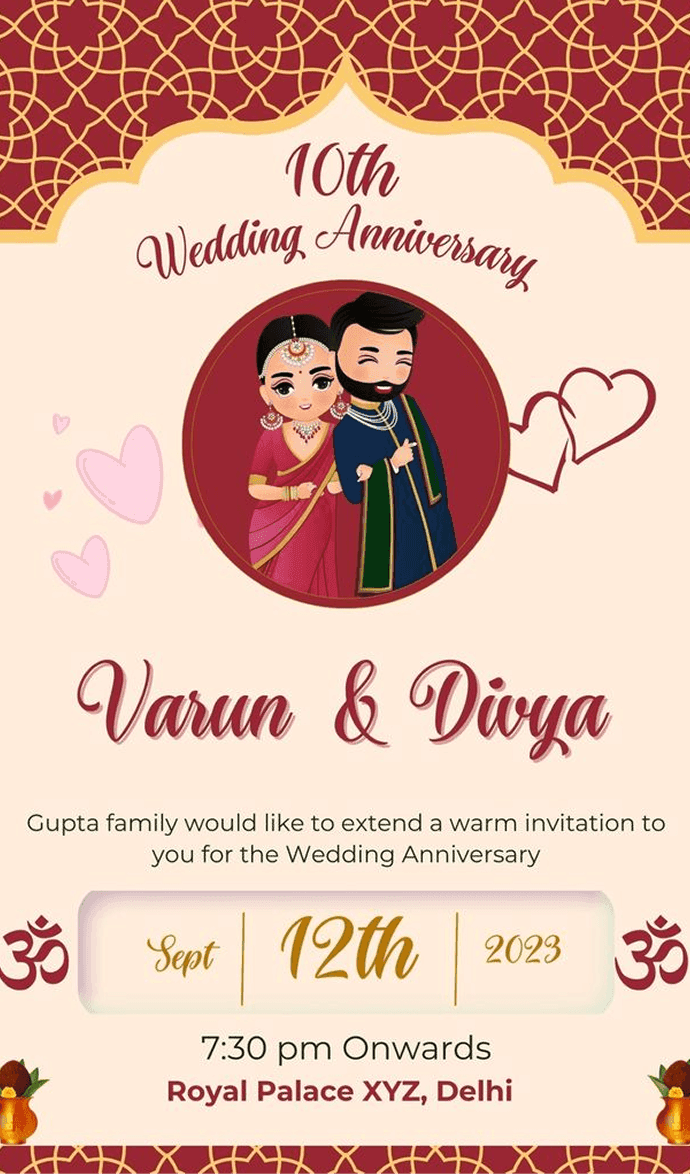
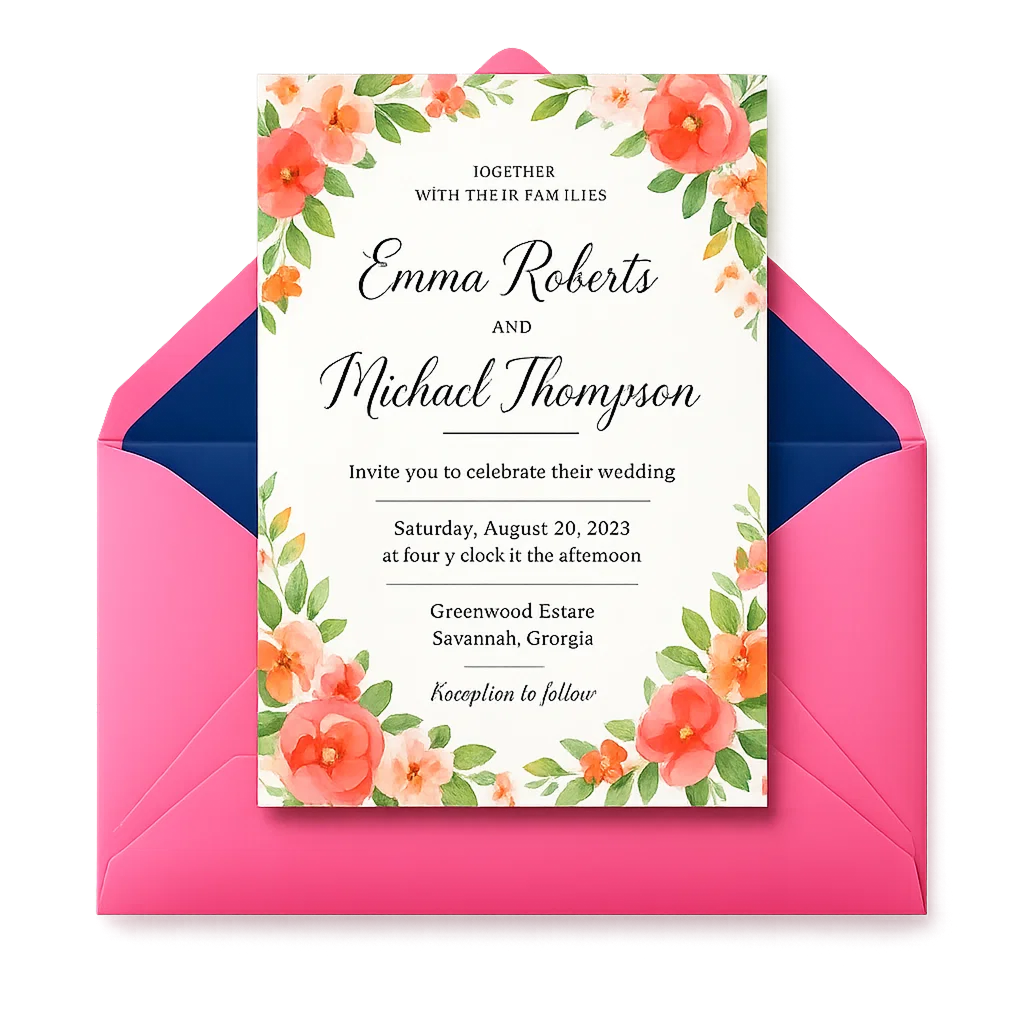
Explore digital invitation templates and AI-generated card styles for weddings, birthdays, baby showers, business events, parties, announcements, and seasonal celebrations.

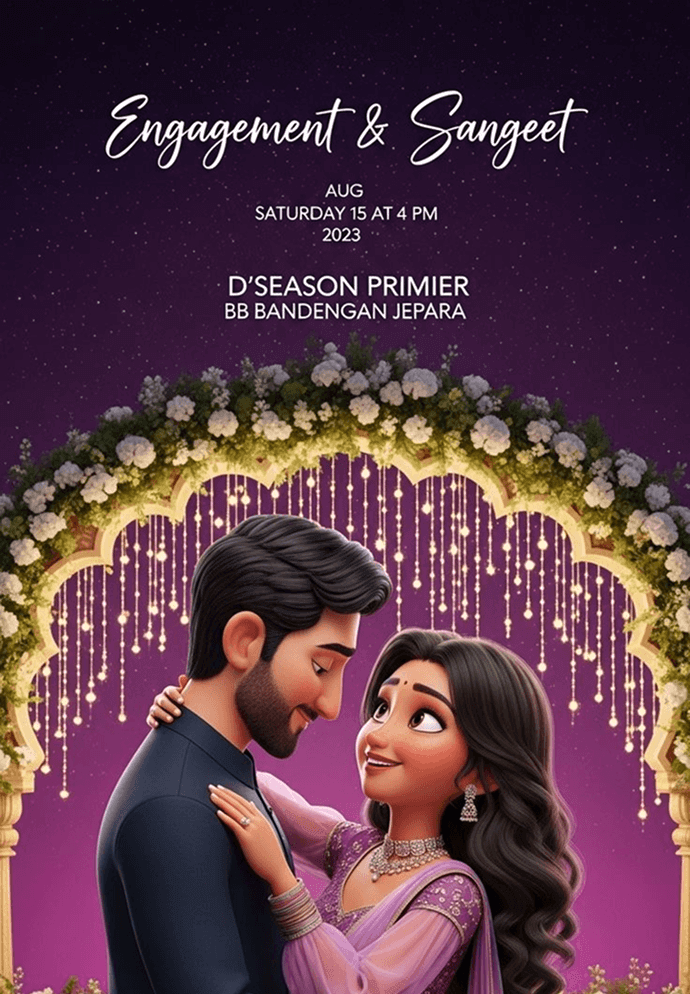
AI Invitation Maker designs for wedding and birthday cards
Online invitation card maker with ready to customize templates
Free invitation maker for parties celebrations and events
Digital invitation card design tool for every occasion
Create wedding invitation cards online with AI
Baby shower invitation maker with modern card designs
Invitation maker for business meetings and corporate events
Invitation card generator with editable design templates
Online invite maker for parties and celebrations
Design invitation cards quickly and easily online

Create Your AI Invitation Today

Turn your event idea into a polished card in minutes. Use AI Invitation Maker to generate the design, refine the message, download a high-quality invite, and share it wherever your guests already are.

Get the App

95%

User Satisfaction

5

Rating out of 5

8 ratings
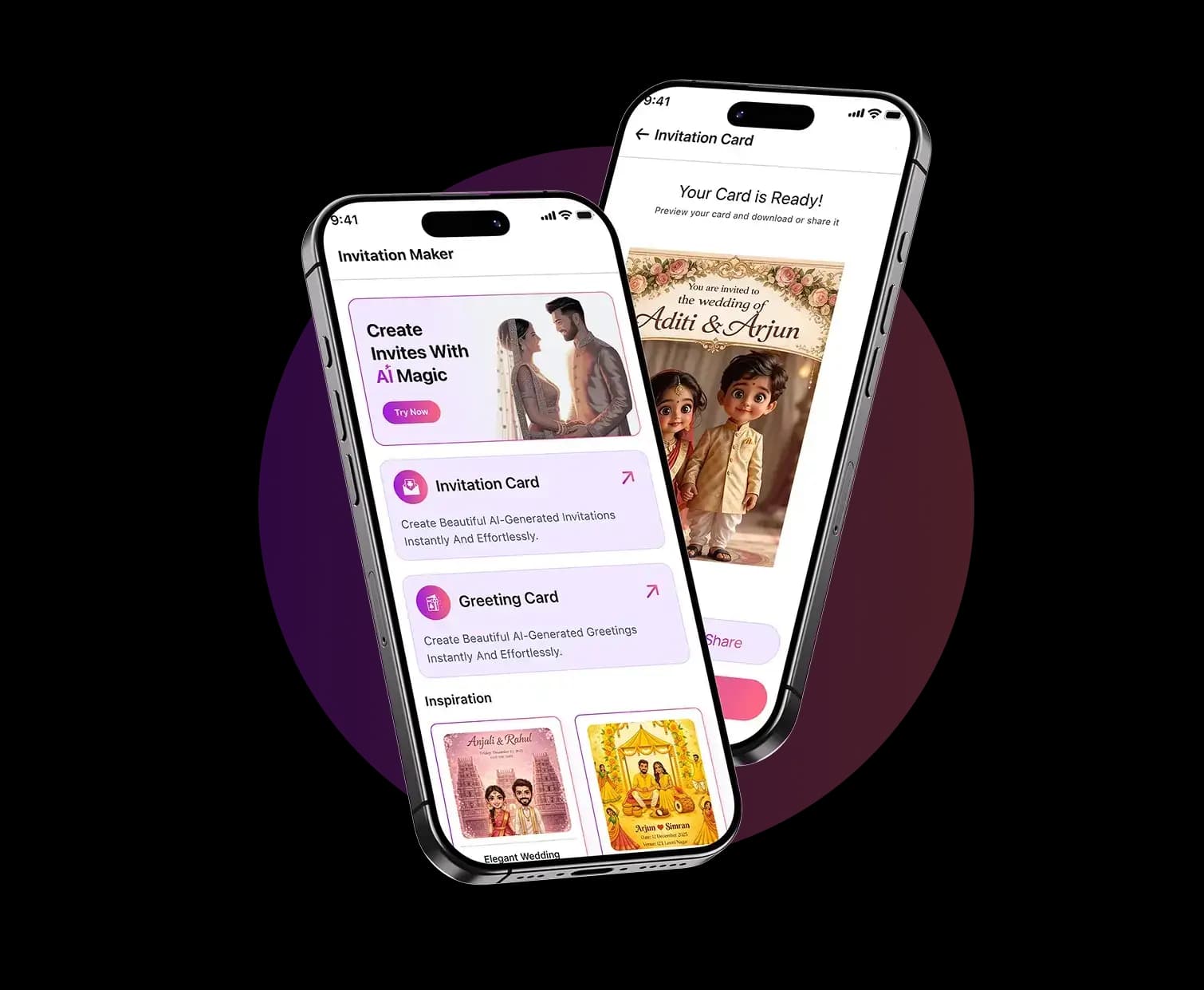
AI Invitation Maker app preview with invitation cards and greeting designs

Why Event Hosts Choose AI Invitation Maker

Creators use the app to save time, avoid blank-page design stress, and send invitations that look polished on every screen.

★★★★★

“Excellent app! It’s incredibly intuitive and does exactly what it promises. Smooth interface and no glitches so far. Highly recommended!”

Aa__irn

AI Invitation Maker FAQs

Need plan details? Compare our pricing or review the acceptable use policy. For help, you can also contact us.

An AI Invitation Maker uses artificial intelligence technology to automatically create professional digital invitation cards based on your event details and style preferences. You provide event information like date, time, location, and occasion type, and the AI generates a fully-designed, ready-to-share invitation card without requiring any design skills. The tool handles typography, layout, imagery, color coordination, and composition to produce polished invitations for weddings, birthdays, baby showers, parties, and business events in minutes rather than hours.
Yes, absolutely. The AI Invitation Maker supports invitations for every occasion type. You can create wedding invitations, birthday invites, baby shower cards, bridal shower invites, anniversary cards, graduation announcements, holiday party invitations, corporate event invites, retirement celebrations, and general party announcements. Each occasion type includes style options and templates specifically optimized for that event, ensuring your invitation matches the tone and formality level appropriate for the occasion.
No design experience is required. The AI Invitation Maker is built specifically for non-designers and anyone without graphic design background. You simply enter your event information, select your preferred style (modern, elegant, playful, etc.), choose a color scheme, and the AI handles all the design work including layout, font pairing, spacing, and visual hierarchy. The interface is intuitive and guides you through each step, making it accessible for complete beginners while remaining powerful enough for those with design experience.
Yes, you can download your finished invitation and share it anywhere. After previewing your invitation and making any adjustments, you can download it in high-quality format suitable for messages, email, social media stories, and printing. Share the digital file via text message, email, WhatsApp, Instagram, or Facebook. The app offers multiple size formats optimized for different sharing channels, so you can create a mobile-friendly version for messages and a larger version for email or web sharing.
Yes, you can start creating invitation designs for free without credit card. The free tier allows you to create basic invitations and explore the template library. If you need advanced features, multiple downloads, or premium templates, you can upgrade to a paid plan. Most users can create beautiful invitations using the free version, making it accessible for anyone looking to design digital invitations for their events.
Questions about creating digital invitations with AI Invitation Maker

Need Help With Your Invitation?

Tell us what you are creating and our team will help with app support, billing questions, partnership requests, or feedback about your invitation design experience.

support@inviteos.com
Office #112, 2nd Floor Kohinoor Plaza 1, Faisalabad, Punjab, Pakistan
+92 (300) 1234 968
Invitation Maker

AI Invitation Maker

Privacy PolicyTerms & ConditionsBlogAcceptable UsePricingManage Subscription

© 2026 AI Invitation Maker. Built by Devsrank Pvt. Ltd. All rights reserved

Support: support@inviteos.com